 FaithSow
Quick Read in FaithSow: Read a Story Without a Full Lesson
The examples below use FaithSow's web app; the public website has a separate reading route.
You have already chosen a Bible story. Your child wants to read it, but today you do not want to begin a longer sequence of teaching and activities. The useful next decision is which reading mode to open.
FaithSow's Quick Read mode provides a story-focused route. In the app, its description is “Pure Reading: Story Only.” The quick flow includes the story and a completion stage rather than the separate teaching, prayer, verse-memory, discussion and game stages of a longer flow. It does not promise that a story will take a fixed number of minutes.
This guide is for family reading outside a classroom session. It explains what to select, what may happen if you have already started the story, and how the public website differs from the app.
Start from the story you want to read
In the FaithSow web app shown here, open the story's detail page in your usual family-reading context. Check the language and whether the selected content is available to you before inviting your child to begin. Look for the reading-mode card labelled Quick Read.
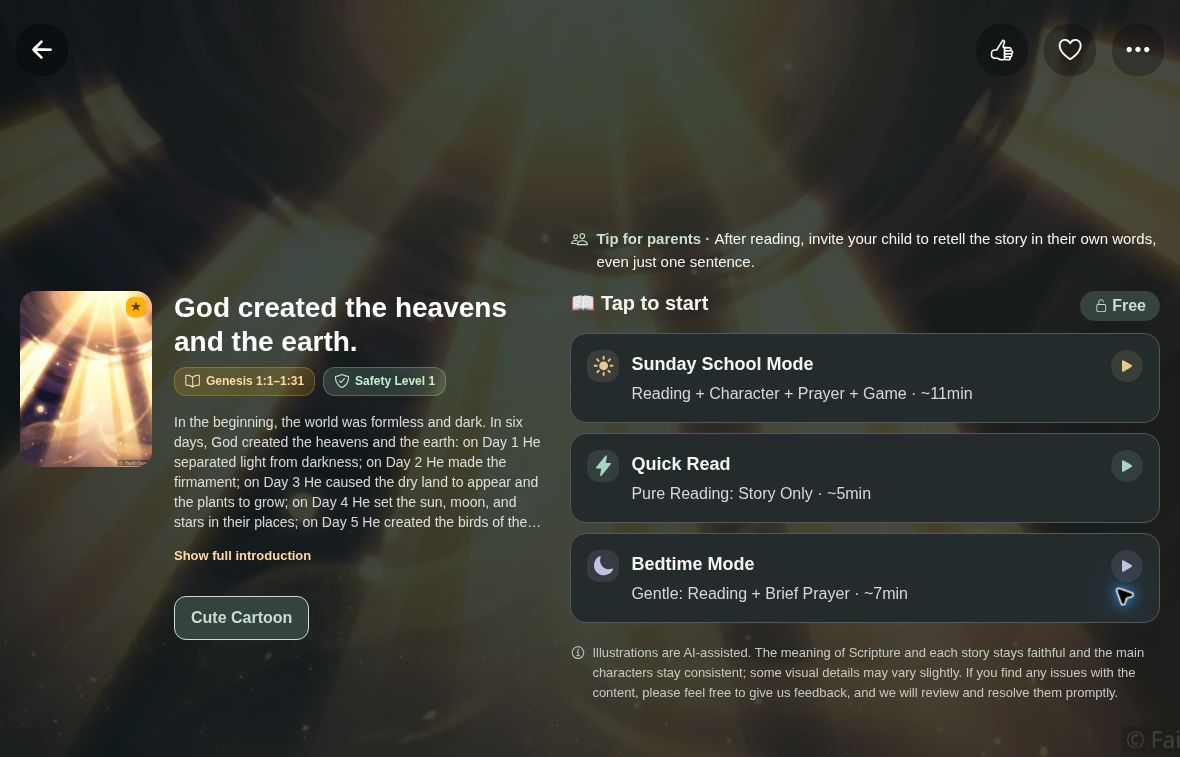
Choose that card when you want the story-focused route. You do not need to open a classroom lesson or configure a sequence of teaching sections for this choice. If you are currently using a classroom profile, return to your normal family-reading context first; classroom preparation has its own workflow.
Check the access notice rather than assuming the mode unlocks the story. FaithSow contains free and paid content. Choosing Quick Read does not bypass a purchase requirement, an account requirement or a content restriction. If the story is not accessible, return to the library and choose content you can use.
What “story only” means here
Quick Read changes the route through the experience. Its app flow has a cover, reading and a completion stage. It does not add the separate prayer, character-teaching, discussion, memory-verse or game stages used in longer reading flows.
That distinction matters when your plan is simply to read together. You can still talk naturally about a picture or explain an unfamiliar word. Those are choices you make as a parent, not extra steps the mode requires you to finish.

Do not treat the word “Quick” as a finishing deadline. A story's length, your reading pace and your child's questions still affect the time together. This is not a promise of a five-minute story, an abridged version or faster narration. Leave room to stop instead of rushing to reach the completion screen.
If the story opens partway through
In the app, selecting Quick Read can continue an unfinished story from saved reading progress. Seeing a later page therefore does not necessarily mean that the opening is missing.
Check the illustration and text on the page that opens, especially after changing languages. If this is not where you meant to read, return to the story details and decide whether to continue or start again.
If you intended to begin again, look for the separate restart control on the mode card where progress is present. Use it deliberately: restarting and continuing are different actions. For a story already read or completed, the app may show a choice about restarting or continuing instead of behaving like a fresh story.
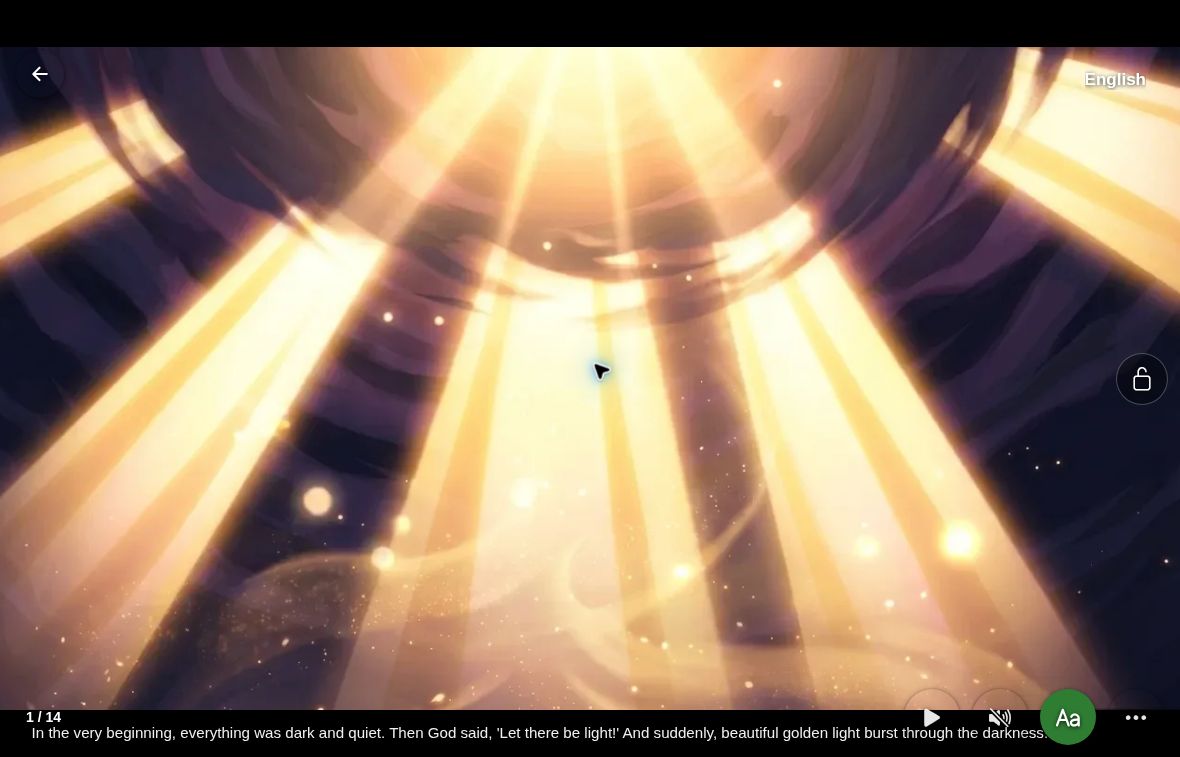
Quick Read is also not a no-record preview. Selecting a family-reading mode can save that preference, and reading can update progress. If you only want to inspect the story's details, do not select a mode expecting a view-only demonstration.
Using the public website instead
The public FaithSow website has a separate Quick Read route. From its story library, open an accessible story's detail page and choose Quick Read to enter the website reader. The website reader's controls may differ from those in the FaithSow app.
On that public website's story page, the Sunday School and Bedtime options lead toward app download information rather than starting those modes in the website reader. Do not follow those options if your immediate goal is to use the website's Quick Read route.
The website reader can remember a position in the current browser. Do not assume this local position is synchronized with the app, another browser or another device. Access and available editions still depend on the selected story; a public title or cover does not mean every resource is open.
A small first step
If you already use the app, open your chosen story and check its Quick Read card. If you are starting on the website, open the English story library, choose an accessible story, and review its detail page before starting. The link opens the library, not a story or a lesson automatically.
FaithSow's stories and illustrations are AI-assisted. Preview the material and check details against its Bible source before sharing it with your child. Available content, controls and access can vary by version, language and story. You do not need to finish a full lesson to choose a story-focused reading session today.